Storage you already have
Your Telegram is a hard drive.It just needed folders.
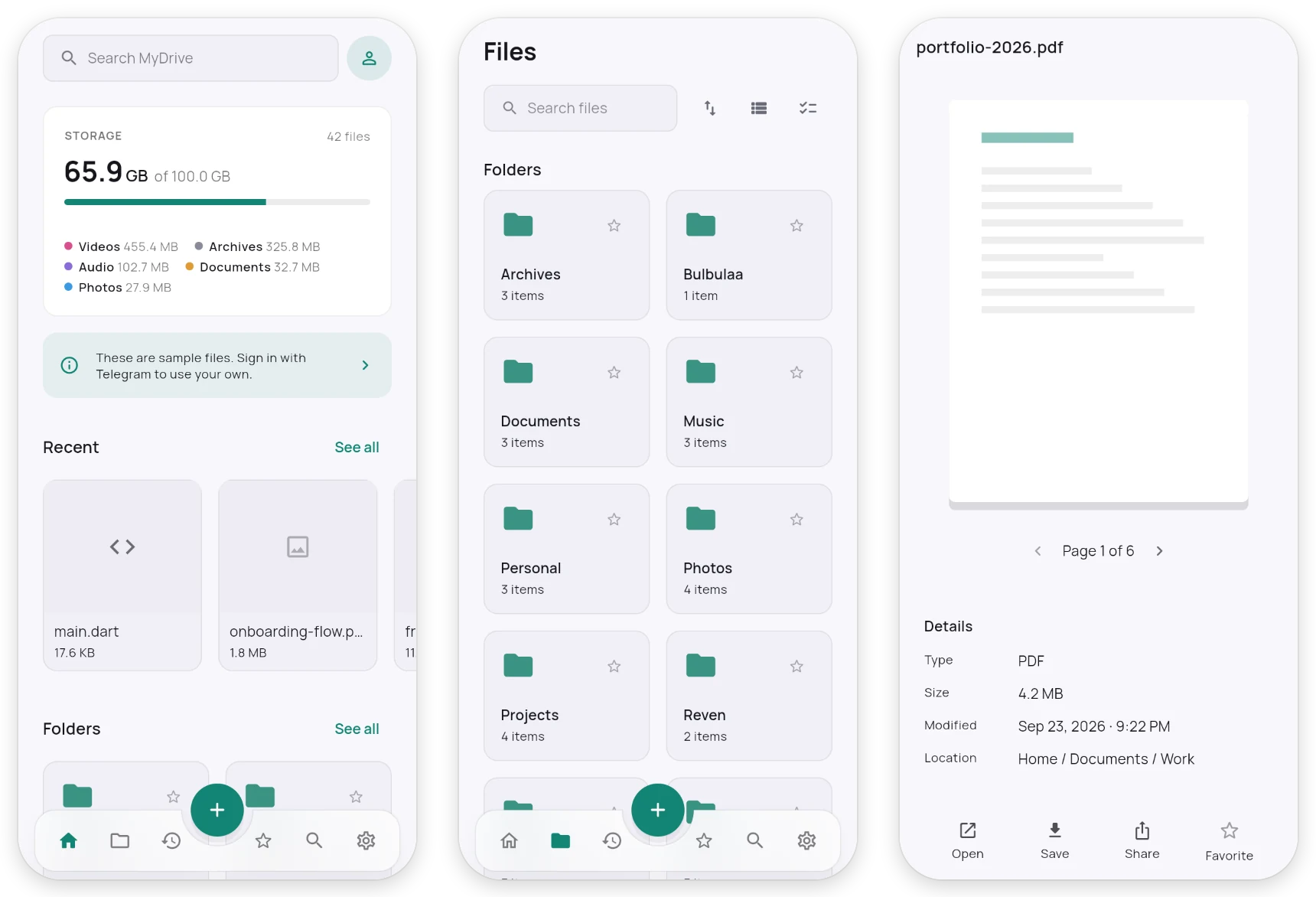
MyDrive turns a private channel in your own Telegram into a real drive: folders, previews, search, music, video. No storage limit, no MyDrive server, nothing to pay.
Lalibela, sunrise.jpg
4.2 MB
md1;id=lq3v9k;p=1/1;f=Lalibela, sunrise.jpg
📁 Stored by MyDrive
- Documents
- Music
- Photos1Lalibela, sunrise.jpg4.2 MB
- Videos
- Work
The same files, two views. Telegram keeps the bytes; MyDrive keeps the map.
01 · The short version
What you get, in numbers.
- Storage limit
- None
- Biggest file
- No real limit
- Servers MyDrive runs
- 0
- Encryption
- AES-256-GCM
- Price
- Free
- Works on
- Web, Android, desktop
Telegram doesn't cap how much a channel holds.
Up to 2 GB per piece (4 GB with Premium); bigger files are split for you.
Your browser and the app talk to Telegram directly.
Optional, on your device, before anything is sent.
No plans, no trial, no card.
One drive, changes merge across devices.
02 · How it works
Nothing sits between you and Telegram.
Your browser
or the MyDrive app
MyDrive server
doesn’t exist
Telegram
your private channel
Signing in gives this browser its own Telegram session. It’s kept here, and it’s the only key to your channel. Sign out and it’s gone.
- 01
Files become messages
Each file goes to your channel as a document, split into pieces when it's big, with a short label saying what it is.
- 02
One pinned message is the map
A small index, pinned in the same channel, says which messages are which files and where they sit in your folders.
- 03
Every device reads the same map
Rename on your phone, move on the web: each change is recorded as a small edit and merged, so nothing is overwritten.
03 · Encryption
Turn it on, and Telegram sees noise.
What you see
Passport scan.pdf
1.1 MB · Documents
Opens, previews and searches like any other file, on every device where you’ve entered your passphrase once.
What Telegram stores
lq3vb2.part1
🔒 Encrypted by MyDrive · Part 1 of 1
4D 44 45 31 format marker, “MDE1”
9A 0F … 6D random nonce, new for every file
… AES-256-GCM, sealed 1 MiB at a time
The name, the folders and the map are encrypted too. Your passphrase never leaves your device, and there’s no reset: forget it and nobody, including us, can open those files.
04 · Every device
Start on your phone, finish on the web.
Forward it in
Forward anything to your storage channel and the MyDrive app files it into From Telegram, sorted by kind if you like.
Keep it offline
Pick folders to keep in this browser. They stay even when you clear the rest.
Send it out
Hand a file to any chat. Telegram already has it, so it arrives at once and nothing is uploaded again.
05 · Get the app
Same drive, as an app.
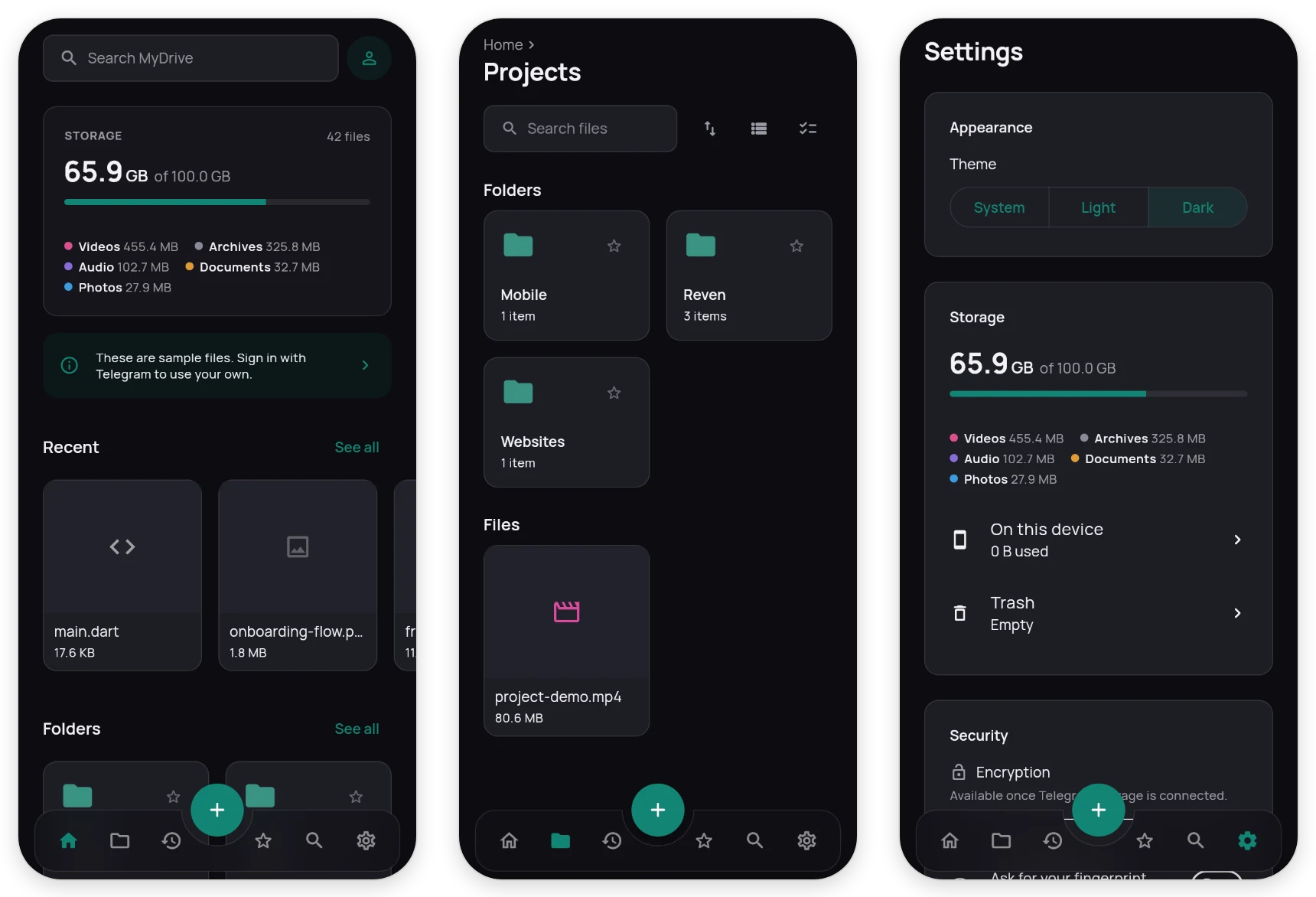
Camera backup, files forwarded in automatically, and on Android, sharing into MyDrive from any app. Sign in with the same account or bot and everything is already there.
Android
APK for almost every phone. Allow installing from your browser when asked.
Coming soonWindows
Windows 10 and 11, 64-bit. Unzip and run MyDrive.exe.
Coming soonLinux
64-bit, as a tar.gz. Unpack and run ./mydrive.
Coming soon06 · Questions
Fair questions.
Where are my files, really?+
In a private channel called “MyDrive Storage” in your own Telegram. Open Telegram and you’ll find them there, each with a label saying what it is.
What if MyDrive went away tomorrow?+
Nothing is lost. The files stay in your channel, and the map is a readable JSON file pinned next to them (unless you turned encryption on).
Can Telegram see my files?+
Like any message you send, yes, unless you turn on encryption. Then it only ever holds sealed bytes.
Account or bot: which should I use?+
Your account: full speed, files of any size, sending to chats. A bot: no phone number needed, files are kept in pieces of 19 MB, and you choose the chat they live in.
Where are my app ID and sign-in kept?+
Only on your device: in this browser's storage on the web, and in the system's secure storage in the app. They only ever go to Telegram. MyDrive has no server, so it never sees or keeps them.
Why does signing in ask for an app ID?+
So MyDrive talks to Telegram under an ID that belongs to you, not a shared one. It takes a minute at my.telegram.org, once.